
Any book you own,
read by a full cast.
An audiobook reader where every character gets their own voice. Five classics are built in; import your own EPUBs for more.
- Free with your phone's voices
- No account
- Works offline
Three steps to a finished audiobook.
Open a book
Start with one of the five classics that ship with the app, or import an EPUB from Files or iCloud Drive.
Press play
ReadIt casts the narrator and each character to a voice on your phone and starts reading.
Listen anywhere
The text scrolls itself and your place is saved as you go. It keeps playing with the screen off.
See it working.
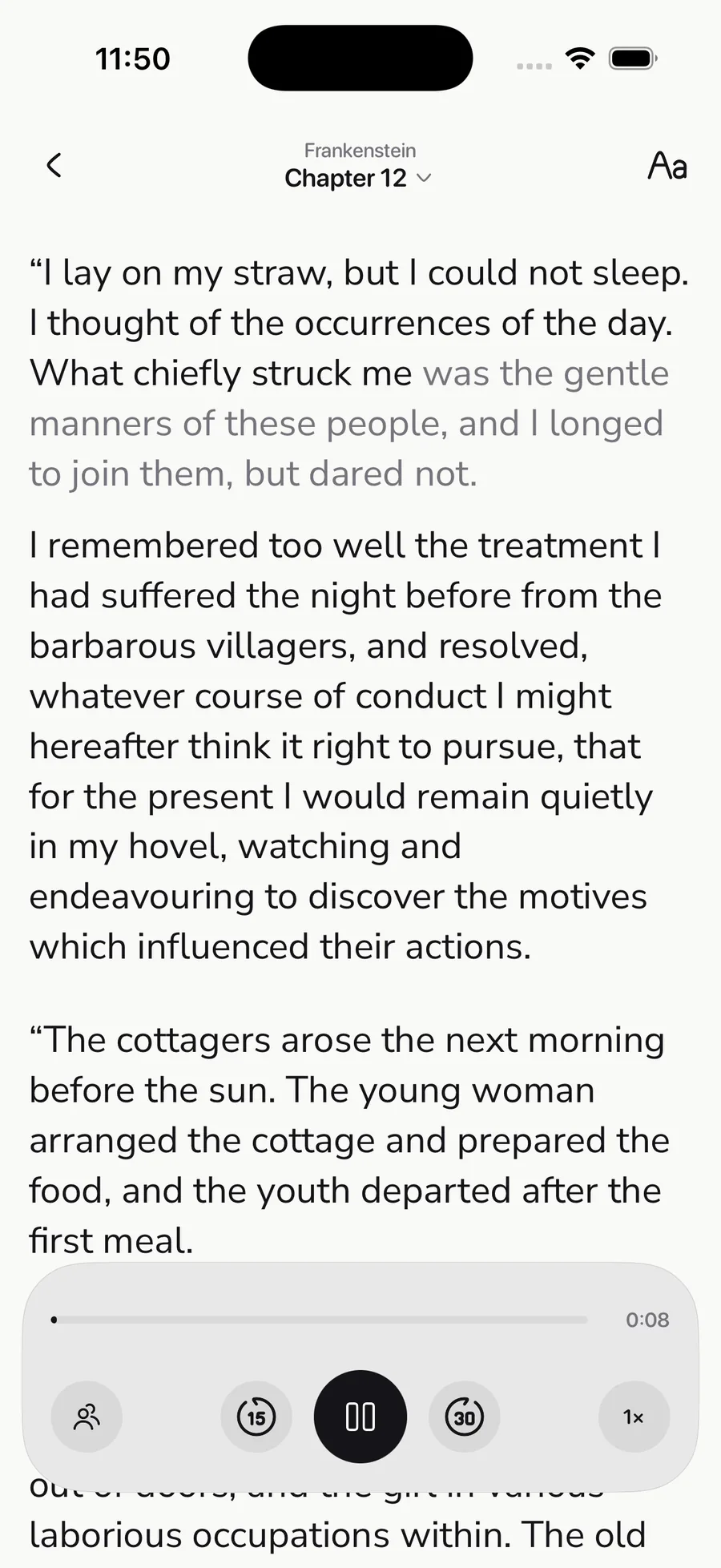
Narration, and the page keeping up
The line being read is lit as it is spoken and dimmed once it has passed. Follow with your eyes, or put the phone down and just listen.
A shelf that is not empty
Five public-domain classics are already there on first launch. Each arrives as the chapters its author wrote, with a running time and a progress mark.
A page that suits the room
Six text sizes, a choice of reading fonts, and a Paper, Sepia, or Night page — changed while you read, with a live sample.
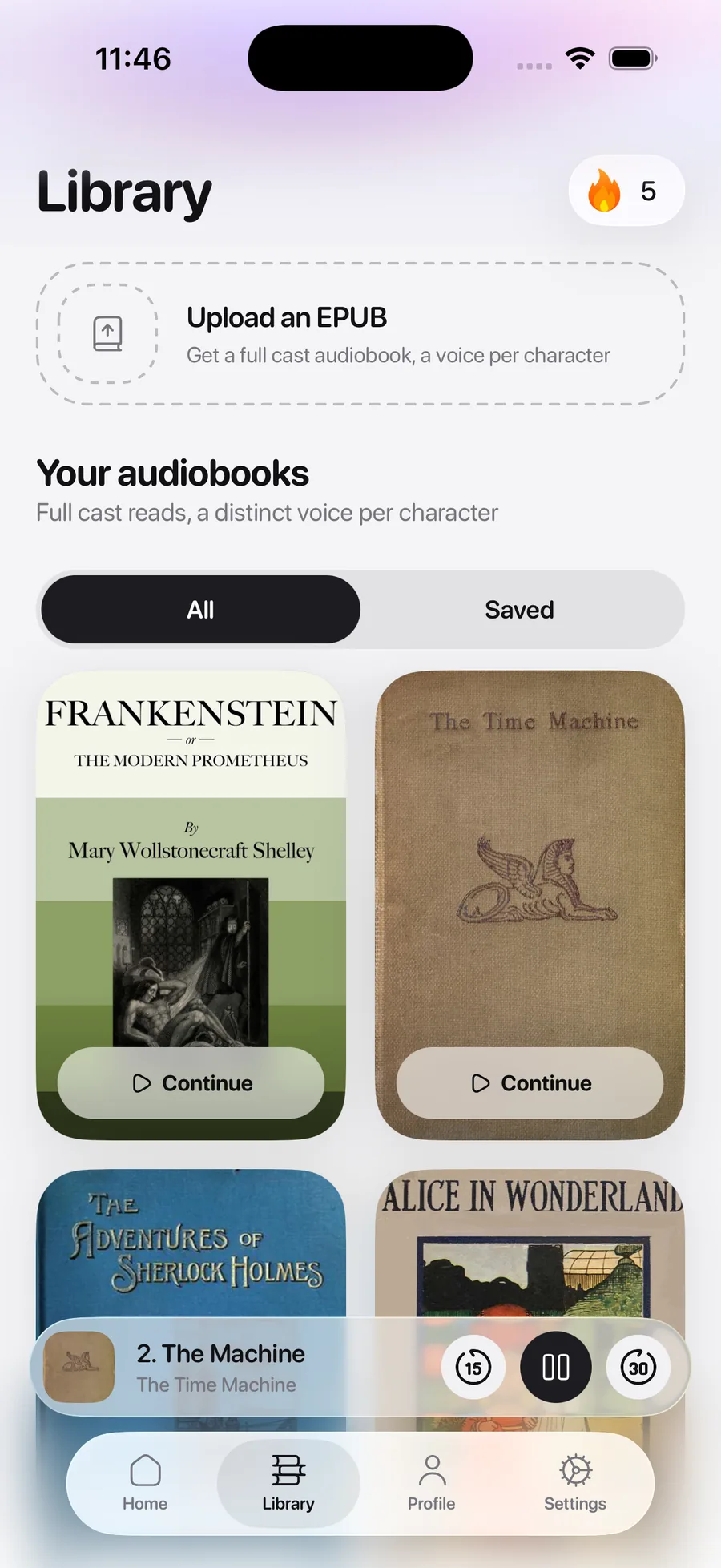
It opens with a shelf, not a file picker.
Five books are built in and ready to play the first time you open the app — all public domain, retrieved from Project Gutenberg, nothing to buy and nothing to sign up for:
- Pride and Prejudice
Jane Austen - Alice's Adventures in Wonderland
Lewis Carroll - The Adventures of Sherlock Holmes
Arthur Conan Doyle - The Time Machine
H. G. Wells - Frankenstein
Mary Shelley
Read by the voices on your phone.
ReadIt narrates with your device’s own text-to-speech — the same engine behind Spoken Content and VoiceOver. It is free, it works with no connection, and the text of your books never leaves the phone.
Each character is cast to a different installed voice, and the cast sheet shows who is voicing whom. Tap any character to audition another voice and reassign it.
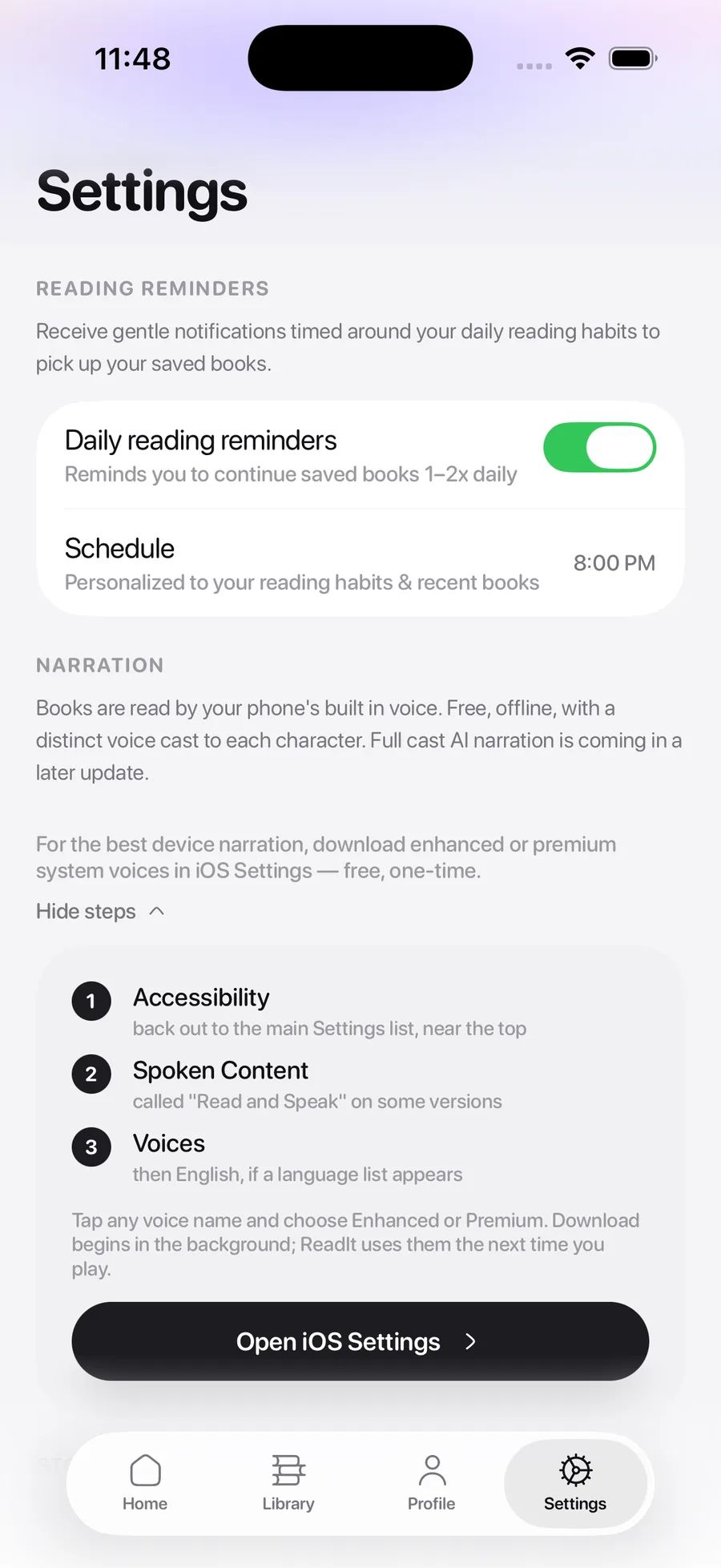
Out of the box a phone often has only the standard voices. The Enhanced and Premium voices are a free download from iOS Settings and sound far more natural.
Built for getting through a book.
Five classics, ready to play
Pride and Prejudice, Alice in Wonderland, Sherlock Holmes, The Time Machine, and Frankenstein are built in — public domain, nothing to buy.
Bring your own EPUB
Import a DRM-free book you already own. ReadIt reads its table of contents, splits it into real chapters, and starts from page one.
A voice per character
Each character is cast to a different voice on your phone, so a conversation sounds like a conversation instead of one voice doing every part.
Text that follows the voice
The page highlights each line as it is spoken and scrolls itself. Look away, look back, and you have not lost your place.
Everything runs on the phone
Narration is your device's own speech engine. No account, no upload, no network — the text of your books never leaves the device.
Picks up where you stopped
Progress is kept per book and per chapter, down to the line you were on when you paused.
Free every day. Pro without the clock.
ReadIt is free, with two hours of listening a day and forty hours a month. If you read faster than that, Pro removes both limits.
Free
Everyone, no account
$0forever
- 2 hours of listening a day
- 40 hours a month
- All five built-in classics
- Import your own EPUBs
- Every reading and voice setting
Pro
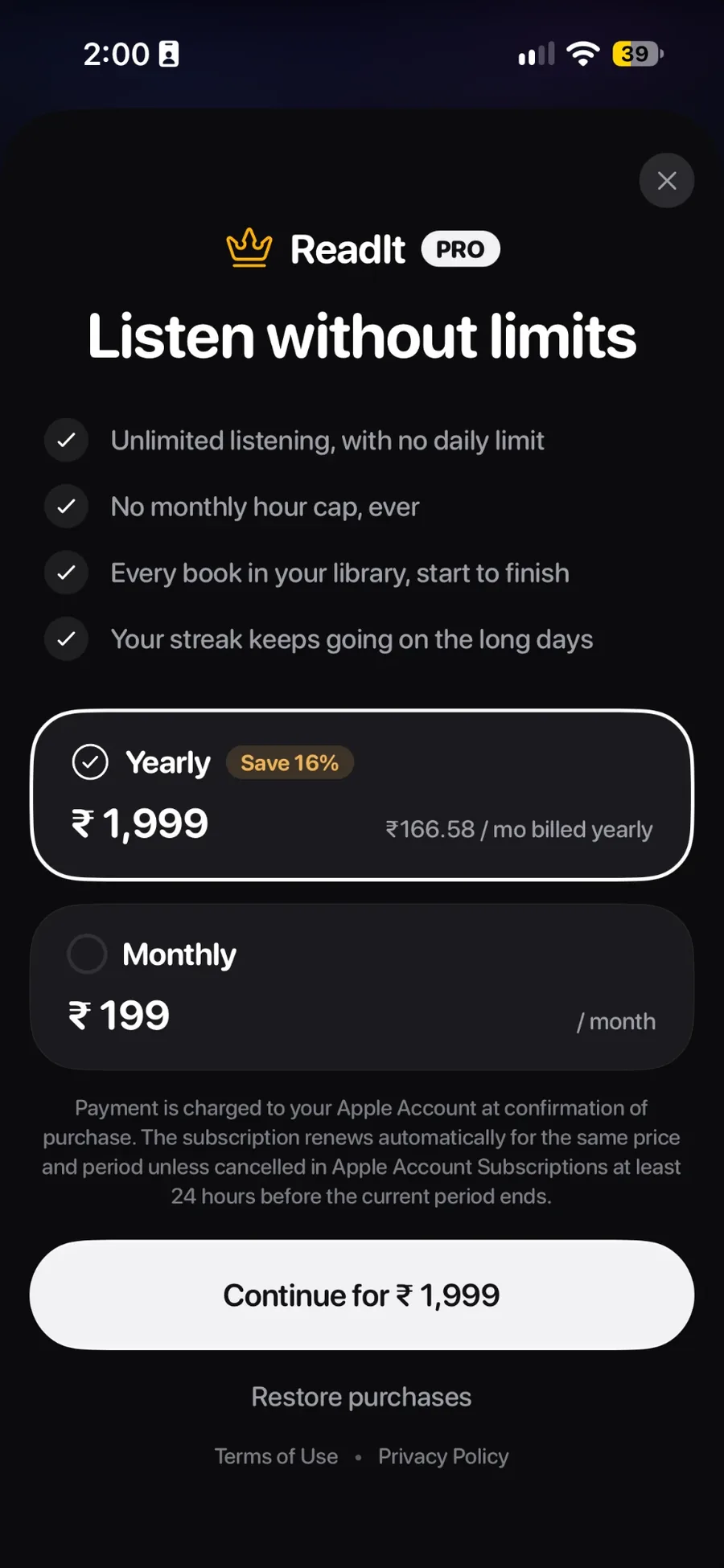
Unlimited listening
$1.99/ month, or $19.99 / year
- No daily limit
- No monthly hour cap
- Your streak survives the long days
- Every classic, start to finish
- Everything in Free
Prices are shown for the US store and may vary by region. Yearly works out cheaper than paying monthly.
The limits apply only to listening time. Every book, chapter, and setting is on the free plan. Usage is counted on the device — there is no account and no usage server.
Your books stay yours.
ReadIt has no account system. Narration runs on the phone, so the text of your books is never sent anywhere.
No sign-up
No account to create and no password to lose.
Books never leave
Narration is your phone's own speech engine.
Works offline
Import, narration, and playback need no network.
Delete it yourself
Removing the app removes everything it kept.
Open the app and press play.
Five classics are waiting. ReadIt is free with your phone’s built-in voices.